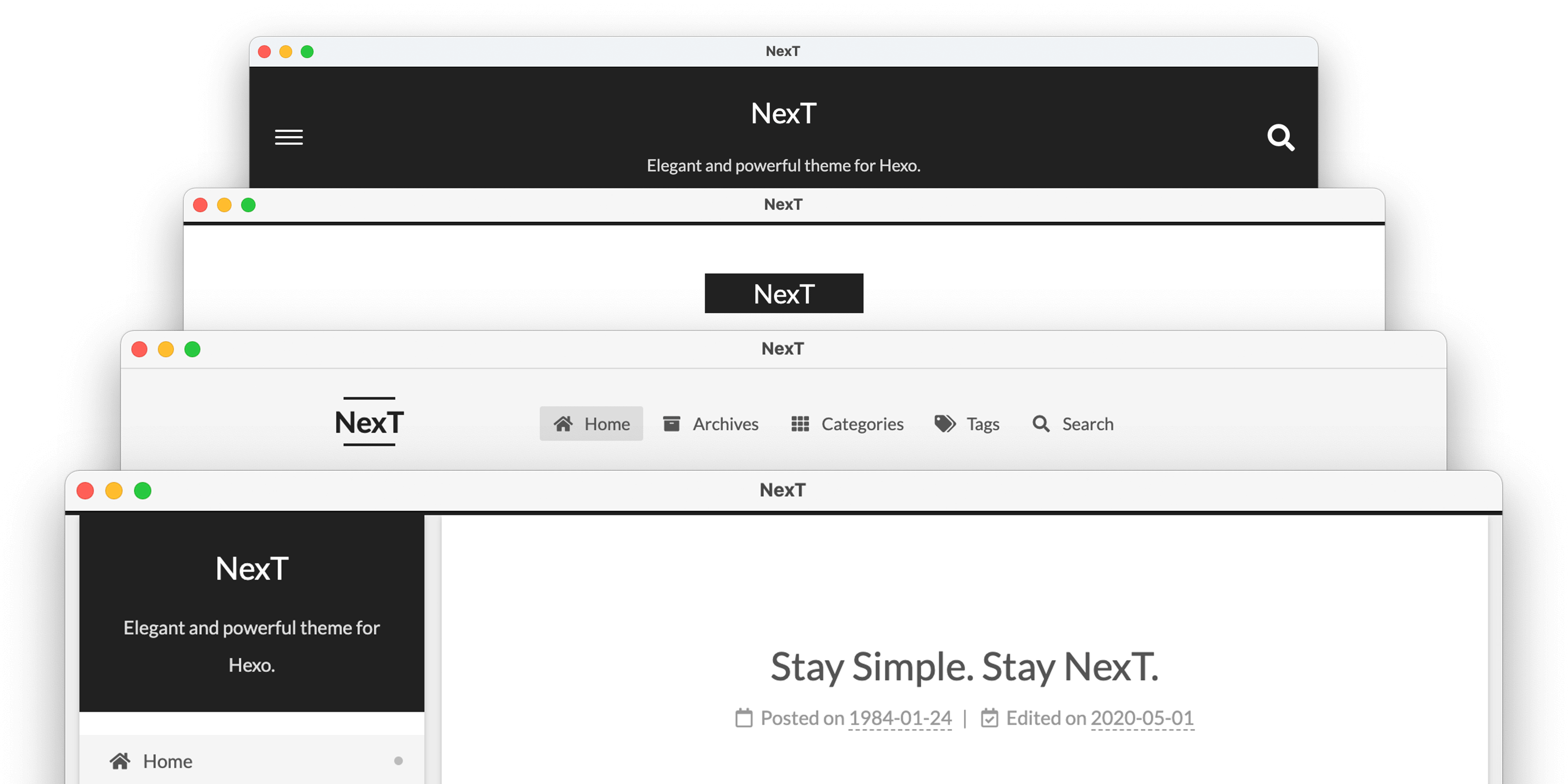
主题推荐:
我的博客使用了《NexT》主题,是一款风格优雅高质量的Hexo主题。
![NexT主题]()
- 安装
1
| npm install hexo-theme-next
|
- 更新
1
| npm install hexo-theme-next@latest
|
- 复制
1
| cp node_modules/hexo-theme-next/_config.yml _config.next.yml
|
⚠️注意:
- 请将
_config.next.yml主题配置文件复制到Hexo根目录,防止主题更新覆盖配置文件; - 主题配置内容只需修改根目录
_config.next.yml即可; - 最后
_config.yml 配置文件启动NexT
第三方插件推荐:
不再需要重新加载整页,不再需要多个HTTP 请求,提供快速的浏览体验。
安装
修改根目录配置文件_config.next.yml
为hexo 的每个帖子创建一个且唯一的链接
安装
1
| npm install hexo-abbrlink --save
|
编辑_config.yml添加下列内容:
1
2
3
4
5
6
7
8
9
|
url: http://www.imlam.com
root: /
permalink: archives/:abbrlink.html
abbrlink:
alg: crc32
rep: hex
permalink_defaults:
|
该插件用于生成搜索索引文件,其中包含文章的所有必要数据,您可以使用这些数据为博客编写本地搜索引擎。
安装
1
| npm install hexo-generator-searchdb --save
|
修改根目录配置文件_config.next.yml
1
2
3
4
5
6
7
8
9
10
11
12
|
local_search:
enable: true
trigger: auto
top_n_per_article: 3
unescape: false
preload: false
|
用于让所有图像自动支持延迟加载。借助此功能,它将大大提高加载性能。
安装
1
| npm install hexo-lazyload --save
|
修改根目录配置文件_config.next.yml
自动压缩html、js、css并使其整洁。
安装
1
| npm install hexo-neat --save
|
修改根目录配置文件_config.next.yml
1
2
3
4
5
6
7
8
9
10
11
12
13
14
15
16
17
18
19
20
21
22
23
|
neat_enable: true
neat_html:
enable: true
exclude:
neat_css:
enable: true
exclude:
- '**/*.min.css'
neat_js:
enable: true
mangle: true
output:
compress:
exclude:
- '**/*.min.js'
- '**/jquery.fancybox.pack.js'
- '**/index.js'
|
Hexo 的站点地图生成器。
安装
1
| npm install hexo-generator-sitemap --save
|
修改根目录配置文件_config.next.yml
1
2
3
4
5
6
| sitemap:
path: sitemap.xml
rel: false
tags: true
categories: true
|
自动为 hexo 博客文章中的所有外部链接添加 nofollow 属性。
安装
1
| npm install hexo-autonofollow --save
|
修改根目录配置文件_config.next.yml
1
2
3
4
5
| nofollow:
enable: true
exclude:
- exclude1.com
- exclude2.com
|
修改根目录配置文件_config.next.yml
1
2
|
host: //fonts.lug.ustc.edu.cn
|